 Amp
Menu-bar app for Mac notebooks · macOS 14 or later
Your Mac battery, read properly.
Amp shows charge, battery health, power draw and up to 90 days of history from the menu bar. When something changes, it tells you what and by how much. Every reading stays on your Mac.
One purchase. No subscription, no account.
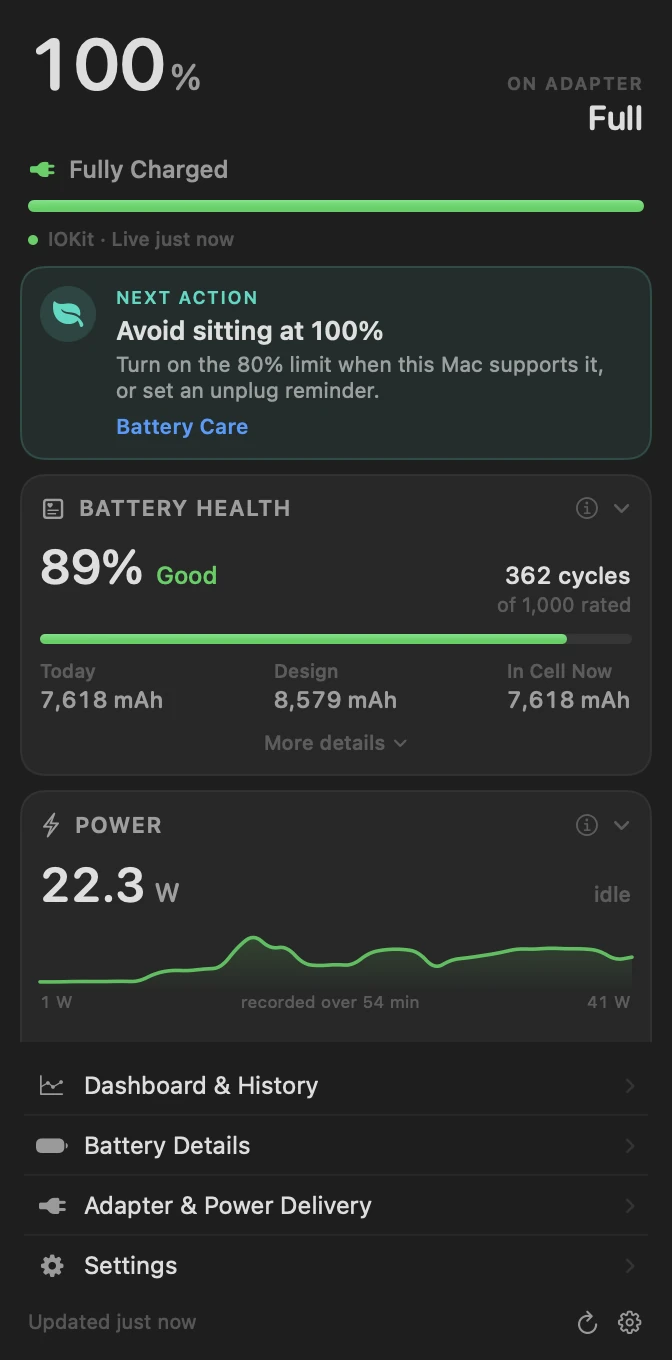
One reading from the Mac Amp was built on, November 2026.
- Charge
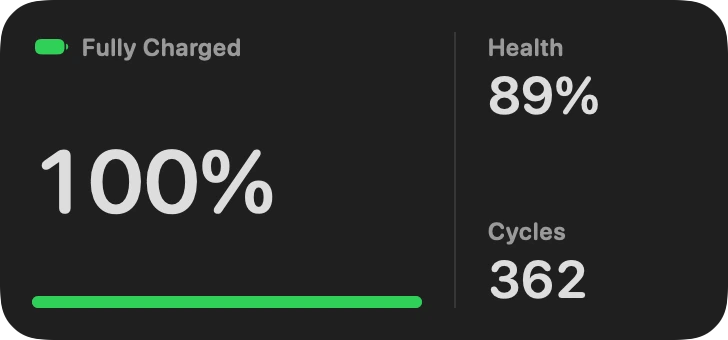
- 100%Fully charged
- Health
- 89%of design capacity
- Cycles
- 362of 1,000 rated
- Draw
- 21.5 Wwhole Mac, on adapter
- Battery
- 90.1°Fcell temperature
History
Ninety days, one sample a minute.
While it runs, Amp logs charge, system power, adapter output and battery temperature once a minute. Pick a window from one hour to thirty days and Amp compares it with the window before.
- Charge, power and temperature charts
- Each time on battery longer than 10 minutes, with its average draw
- Energy drawn from and put back into the battery
- CSV export of the full log
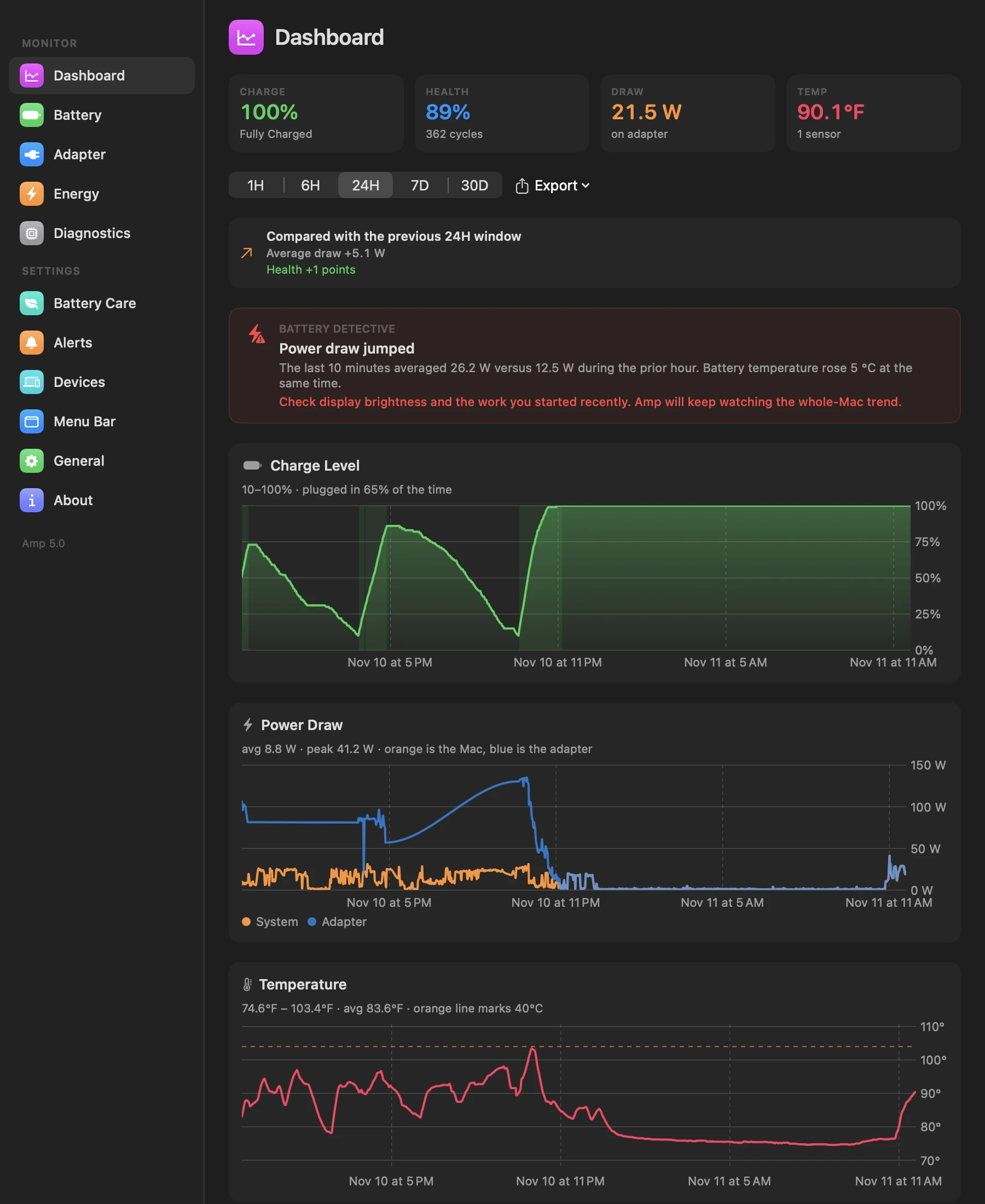
Battery DetectiveA real finding, word for word.
“The last 10 minutes averaged 26.2 W versus 12.5 W during the prior hour. Battery temperature rose 5 °C at the same time.”
Battery Detective compares the last ten minutes with your own previous hour. It works from fixed rules and your readings, so every finding comes with the numbers behind it.
Battery Care
Advice that matches what the battery is doing.
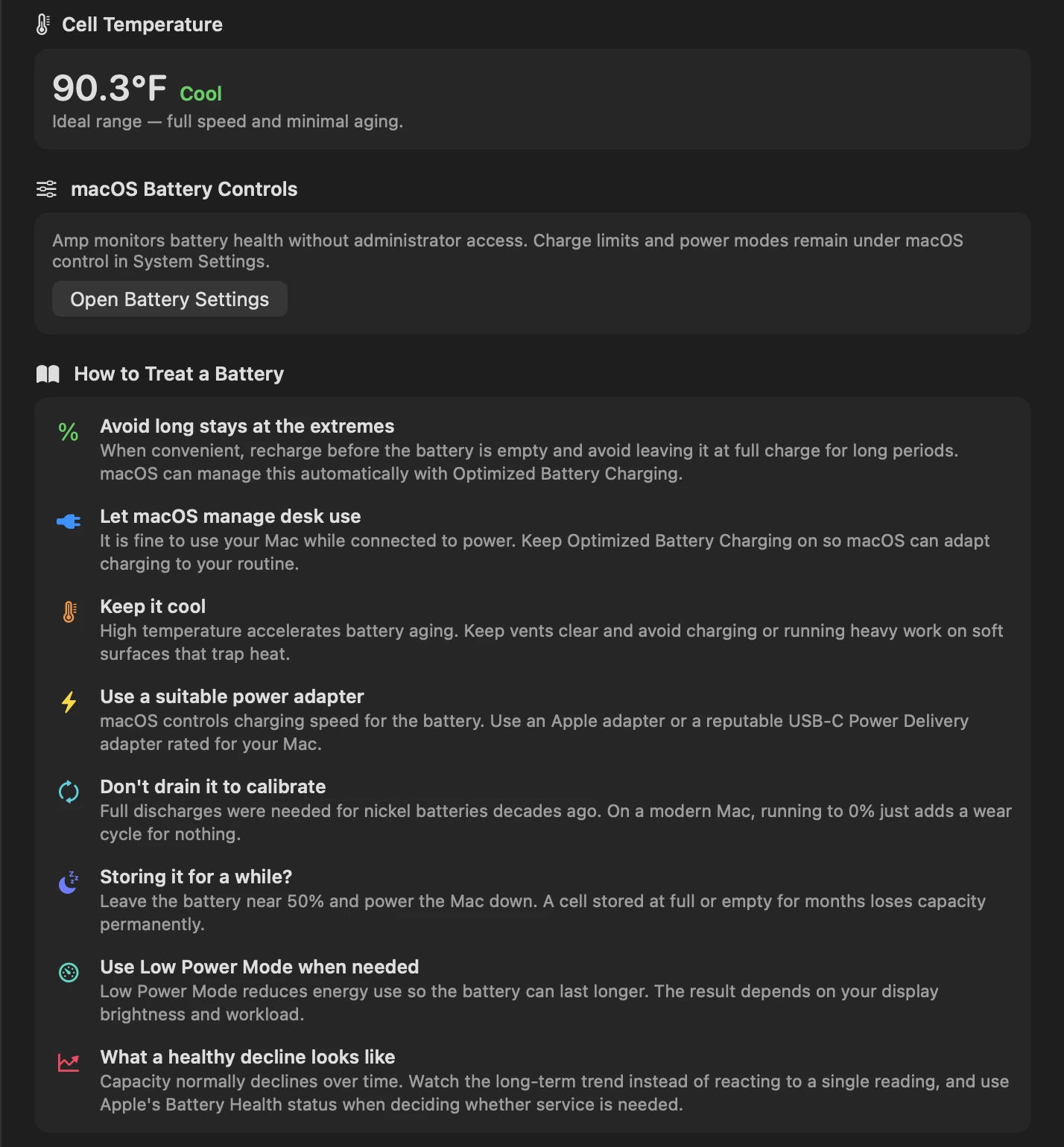
Amp tracks how long the battery sits above 95%, how often it drops below 10%, and how much time it spends above 40 °C. Then it suggests one next step.
Charge limits and power modes stay in macOS. When a change belongs there, Amp opens the right settings page.
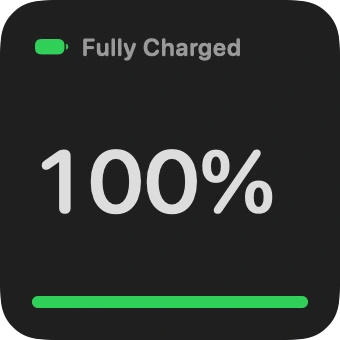
Widgets
On the desktop, too.
A small widget for charge and state. A medium one adds battery health and cycle count. Both read the battery directly and refresh on their own.
Privacy
Your battery history never leaves your Mac.
Amp has no servers to send it to. Export the log or delete it from Settings whenever you like. Read the privacy policy.
- AccountNone
- Analytics and trackingNone
- AdvertisingNone
- Data uploadedNone
- History kept on your MacUp to 90 days
Questions
Which Macs does Amp work on?
Mac notebooks running macOS 14 or later. The app runs natively on every Mac that can run macOS 14. On a desktop Mac there is no internal battery to read, but Amp can still show compatible Bluetooth device levels.
Does Amp upload my battery data?
No. Amp has no account and no analytics. History is stored in Amp's own folder on your Mac, kept for up to 90 days, and can be exported as CSV or deleted from Settings.
Is it a subscription?
No. Amp is a one-time purchase on the Mac App Store. Updates come through the App Store.
Can Amp change my charge limit or power mode?
No. Those settings belong to macOS and Amp does not ask for administrator access. Amp shows when a change would help and opens the right page in System Settings.
Which Bluetooth devices show a battery level?
Devices that publish the standard Bluetooth battery service to your Mac. Bluetooth is optional and off until you turn it on in Settings.
When can I buy it?
Amp is being prepared for Mac App Store review. This page will link to the store as soon as it is approved.
Buy it once. Keep the whole app.
No feature tiers, no monthly fee, no account.